Video creators
A filmmaker or editor needs atmosphere, movement, or a transition idea while assembling a cut.
aisynth can help turn a visual moment into a concrete sound direction before the final mix is complete.
What is aisynth used for? It helps creators explore, shape, and organize sound ideas from natural-language descriptions. In practice, aisynth connects a written concept with an audio-focused workflow, so a rough idea can become a clearer starting point for production.
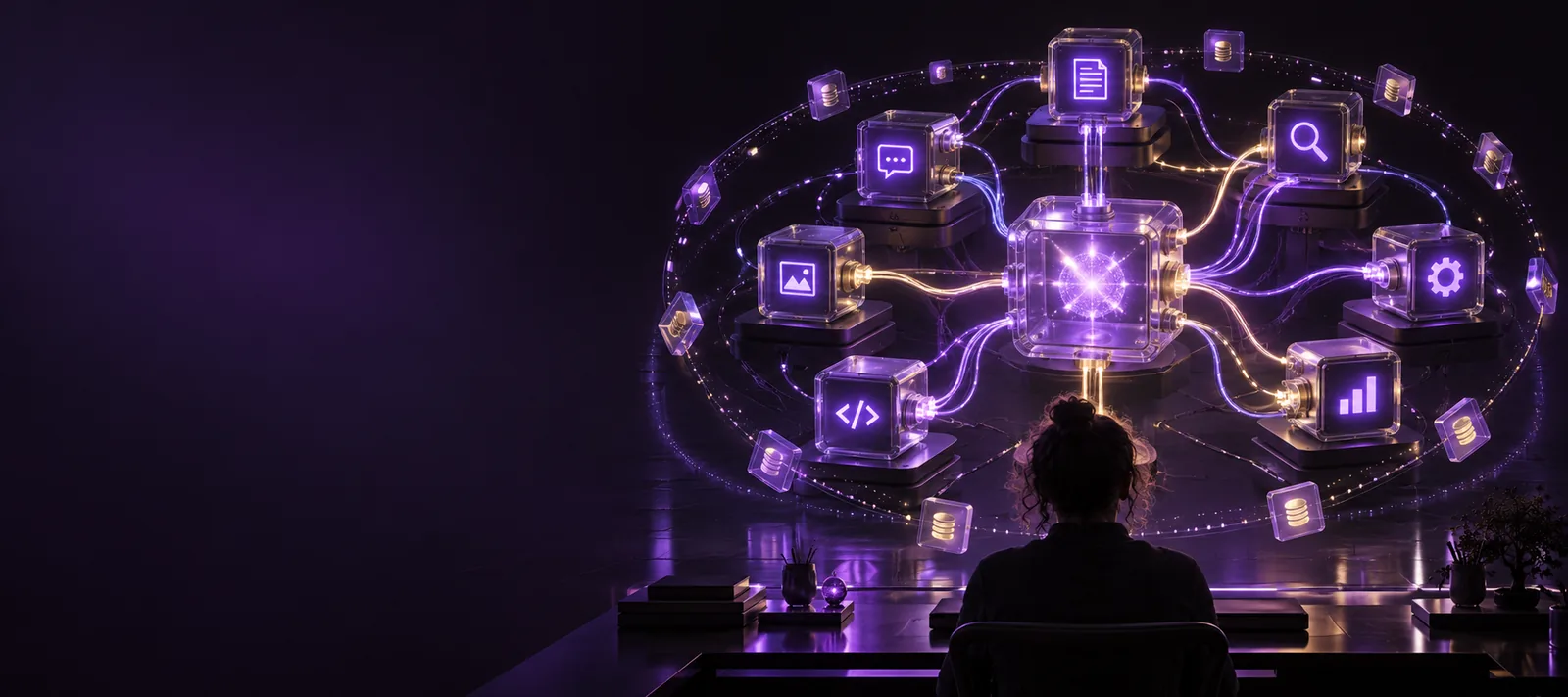
The basic workflow is straightforward: describe the sound, review the direction, then refine the result until it fits the scene or project.
Start with the subject, mood, motion, environment, or event you want to hear. Specific language gives aisynth more useful creative context than a vague request such as “make it better.”
Think in layers: foreground action, background atmosphere, intensity, distance, and timing. aisynth is most useful when the prompt explains the role the sound should play rather than naming only a genre.
Listen to the result as part of the intended workflow. Adjust the description around length, energy, texture, or scene purpose, then keep the version that supports the story without competing with it.
AI sound generation is best understood as an idea-to-audio aid, not a replacement for every production decision. The value comes from accelerating exploration while leaving creative judgment with the person making the project.
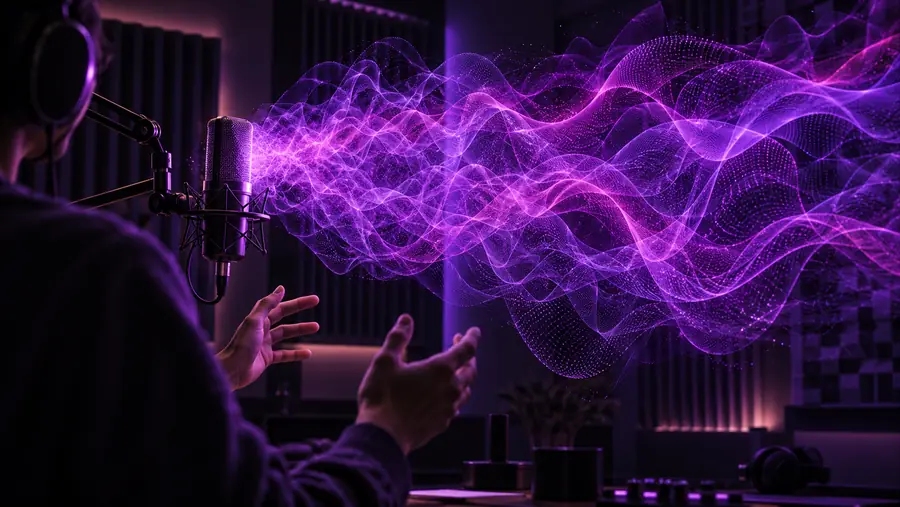

The prompt defines the direction; the creator decides what belongs in the final work.
Unclear sound briefDirected sound ideaDifferent creators can use aisynth at different points in production. It is particularly helpful when the sound brief is still forming, when a placeholder is needed, or when a small team needs more ways to explore a scene.
A filmmaker or editor needs atmosphere, movement, or a transition idea while assembling a cut.
aisynth can help turn a visual moment into a concrete sound direction before the final mix is complete.
A designer is exploring environmental details, interface feedback, or action cues for an interactive scene.
aisynth provides a fast way to compare sound concepts and decide which ones deserve deeper production work.
A host or producer wants an intro texture, room atmosphere, transition, or supporting effect that matches an episode’s tone.
A written description gives the team a repeatable brief they can evaluate alongside the spoken content.
One person is making a short film, social video, presentation, or prototype without a dedicated audio specialist.
aisynth helps expand the range of sound ideas available during planning, editing, and revision.
aisynth is most useful when you have a scene, emotion, action, or environment in mind but need help expressing it as sound. Bring a concrete brief to the creative workflow and use the result as a focused starting point for review and refinement.
aisynth is used to explore sound ideas from written descriptions. Creators can use it to develop atmosphere, effects, transitions, textures, and other audio directions for projects such as video, games, podcasts, and prototypes.
aisynth gives a creator a way to express an audio concept in ordinary language and then evaluate the resulting direction. This can make early experimentation more structured, especially when the final sound brief is not fully defined yet.
Video editors, filmmakers, game designers, podcasters, independent creators, and creative teams can all use aisynth during ideation and production planning. It is especially useful for people who need more sound options before committing time to detailed editing or recording.
No. aisynth can support exploration and provide useful starting points, but human judgment is still needed to select, edit, balance, and place sound in a finished project. A professional audio workflow may also require recording, mixing, timing, and rights review.