Video editor
You have a cut that needs a transition, atmosphere, or scene-specific texture but no settled sound brief.
Describe the moment in context and create a clearer direction before searching through assets.
Prompt-led sound
An aisynth online generator gives you a structured place to describe the sound you need, refine the direction, and hand the prompt to the connected creation workflow.

Use these related pages to compare the generator surface with other ways to approach AI-assisted sound creation.
The strongest results come from treating the prompt as a compact production brief rather than a vague request for something interesting.
Describe the subject, setting, movement, or atmosphere in plain language. Include the details that would change the result, such as rain, machinery, footsteps, or room tone.
Clarify mood, intensity, distance, texture, and timing. A short phrase like “subtle and distant” can be more helpful than several unrelated adjectives.
Use the generated brief as a focused starting point for the connected creation workflow. Adjust the wording when the sound needs a different emphasis.
This comparison shows where a prompt-led generator can reduce friction while keeping the creative decision in your hands.
| Prompt-led generator | Manual sound workflow | |
|---|---|---|
| Starting point | A written description of the intended sound | A blank project, library, or recording setup |
| Briefing style | Natural language with mood and scene details | Separate notes, searches, and technical decisions |
| Early exploration | Change the wording and explore alternate directions | Repeat searches, edits, or takes manually |
| Creative control | You define the subject, feeling, and emphasis | You define the subject, feeling, and emphasis |
| Best use | Fast concept development and clear handoff | Detailed editing when source material is already available |
| Main trade-off | Output quality depends on prompt clarity | More control can require more setup and selection |
Different creators can use the same surface for different decisions, from early ideation to a more precise handoff.
You have a cut that needs a transition, atmosphere, or scene-specific texture but no settled sound brief.
Describe the moment in context and create a clearer direction before searching through assets.
You need to explore environmental audio for a location, interaction, or repeated gameplay event.
Compare distinct moods and textures without losing the original scene concept.
A short video needs a memorable sound cue, background atmosphere, or intro texture.
Move from a rough idea to a concise prompt that can guide the next production step.
A team understands the feeling of a scene but describes it differently in every review.
Use one written sound brief as a shared reference for discussion and iteration.
The shift is not about writing more words. It is about replacing an open-ended request with concrete information about place, texture, movement, and mood.
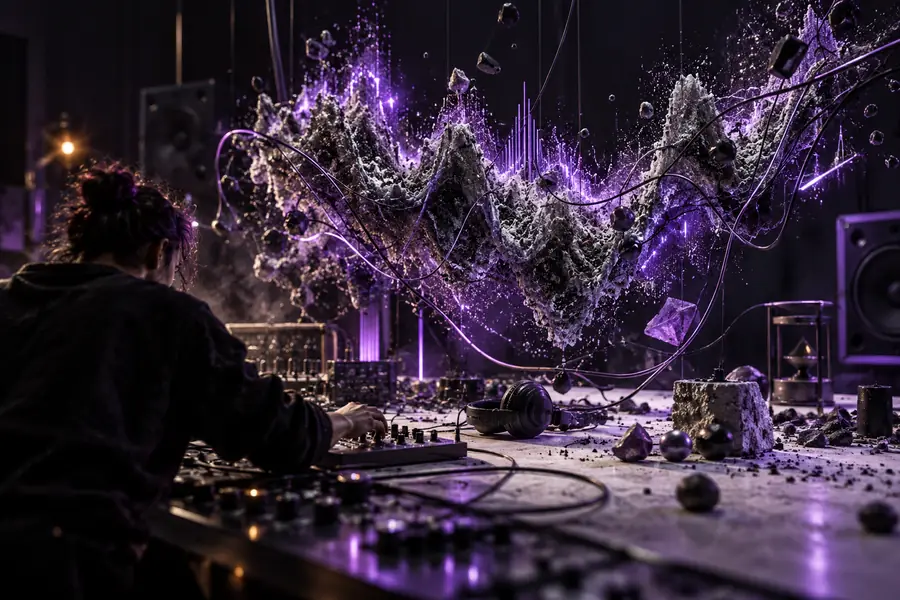
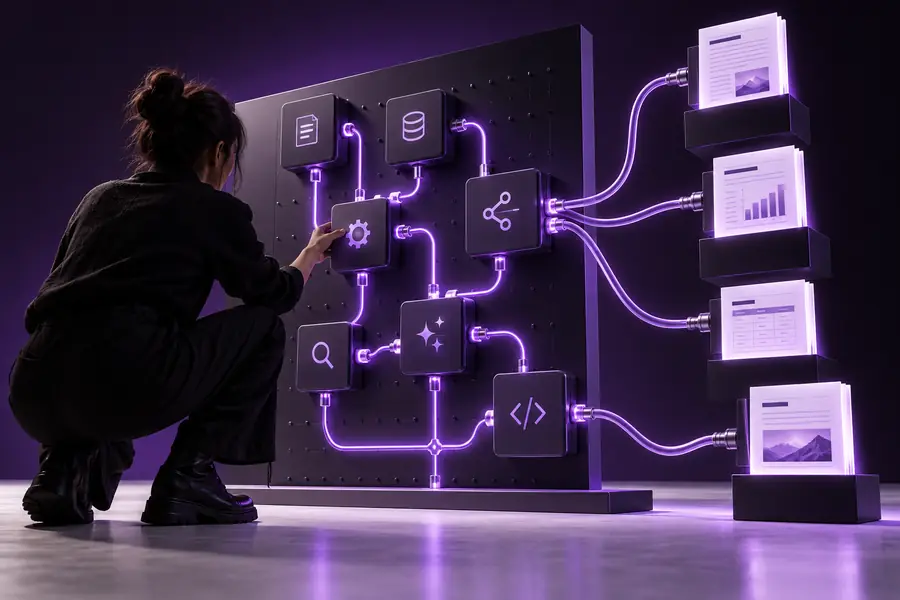
A clearer brief gives the next workflow a better starting point.
Rough ideaFocused directionDescribe the scene, add the details that matter, and send the prompt into the connected workflow. The goal is a practical starting point you can review and refine, not a promise that every first result will be final.
It is a prompt-led interface for describing the sound you want in natural language. The written brief can then be handed into a connected sound-creation workflow for further development.
Start with the sound’s subject and setting, then add useful details such as mood, distance, texture, or movement. Review the resulting direction and revise the wording when the brief needs a different emphasis.
Include the main sound, where it happens, and the feeling or texture you want. Details like “distant,” “soft,” “metallic,” “cinematic,” or “slowly approaching” can make the intended direction easier to understand.
Yes, a prompt-led sound workflow can help describe atmospheres, transitions, scene accents, and other audio needs for video. For a more focused route, see the page about ai sound generator for video free.
The generator describes the prompt-to-creation surface, while an app may frame that workflow as a broader product experience. Compare the aisynth online app page when you want to think about the surrounding interface as well as the prompt itself.